Download
Links above not working? Visit the releases page to download the latest version directly.
Installation
Preflop Ranger is distributed independently of the Apple and Microsoft app stores, so requires a verification step to use for the first time.
Mac OS
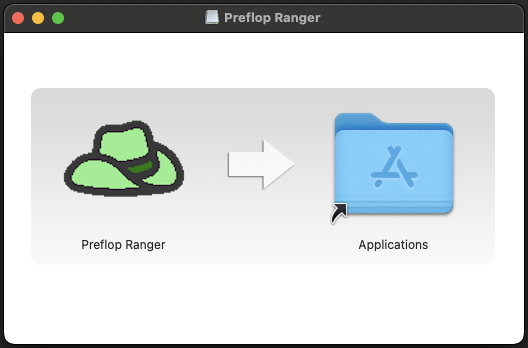
Step 1.
Open the installer and move Preflop Ranger into the applications folder.
Step 2.
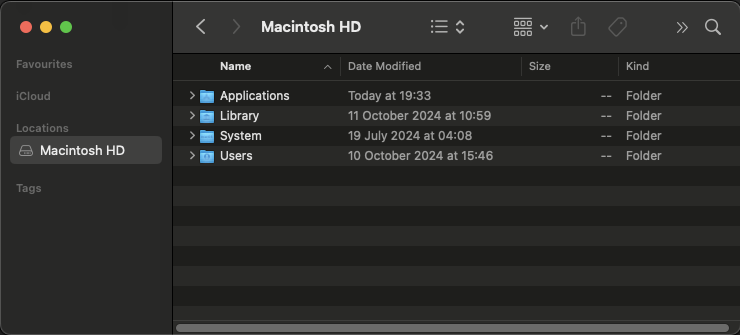
Navigate to the Applications folder in the finder. The simplest way to do this to click on your main disk in the sidebar, usually called Macintosh HD.
Step 3.
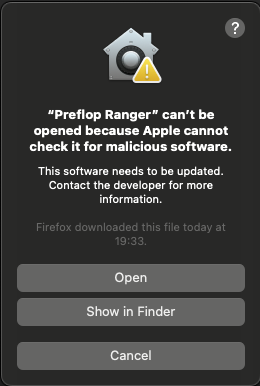
Hold control (not command) and right click on the Preflop Ranger application. Click open, and you will see the following warning:
Windows
Guide coming soon!